
This post contains affiliate links. If you purchase through these links, I may earn a small commission at no extra cost to you. I only recommend products I’ve personally researched and believe are worth your money.
📱 Watch the Short
Prefer a quick summary? Watch the 30-second version on YouTube.
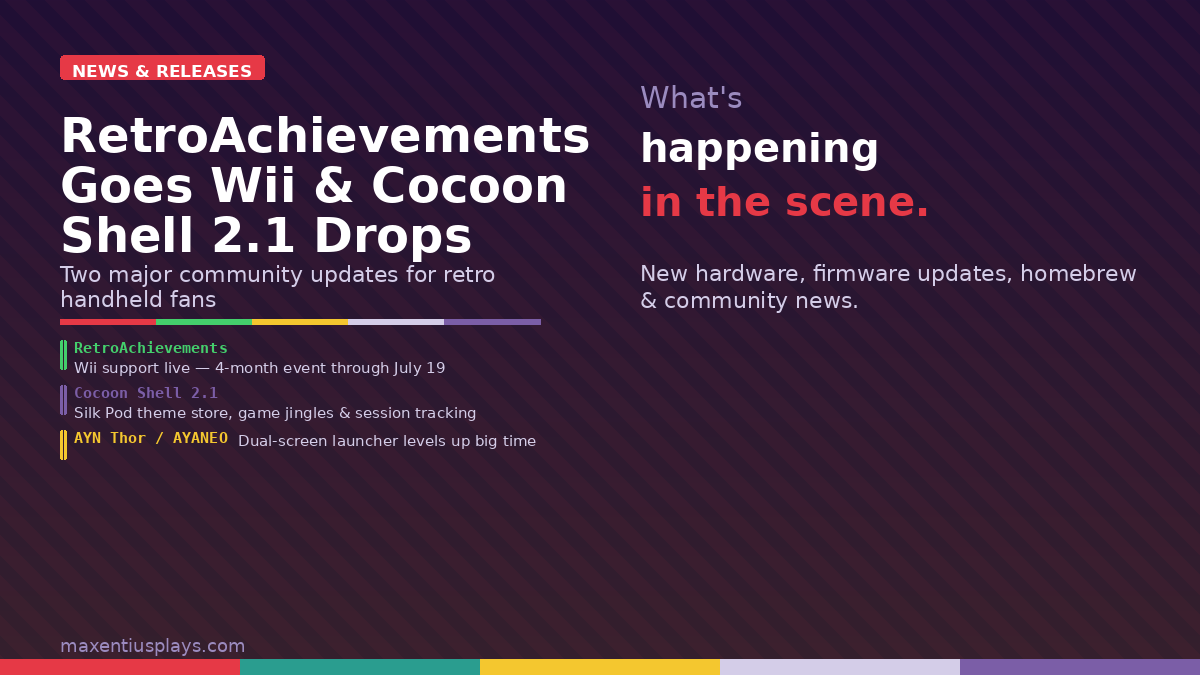
Two significant community developments landed this week that every retro handheld fan should know about: RetroAchievements has officially added Nintendo Wii support — kicking things off with a four-month launch event — and Cocoon Shell dropped its Beta 2.1 update, bringing a full community theme store, 3DS-style game jingles, and rebuilt session tracking to dual-screen handhelds like the AYN Thor and AYANEO Pocket DS. Let’s break both down.
RetroAchievements Finally Adds Wii Support

After years of community requests, RetroAchievements has gone live with full Nintendo Wii support. Starting March 19, 2026, you can now earn community-made achievements in Wii games played through supported emulators — and the platform is celebrating the launch with a four-month event running all the way through July 19.
What You Need to Get Started
Wii achievement support requires a recent build of Dolphin Emulator — specifically, version 2603 or newer. You’ll also need Hardcore Mode enabled for achievements to count (as usual with RetroAchievements). Supported ROM formats include the standard disc images: ISO and RVZ. WiiWare WAD support is still being worked on and isn’t available at launch.
Once configured, Wii games in your library will show proper achievement badges and integrate fully into the RA ecosystem — leaderboards, tracked progress, the works.
The Wii Launch Event: Four Months of Waggle
To mark the occasion, RetroAchievements is running a community event focused on “waggle” classics — the kind of Wii games that made the most of the motion controller. The event runs from March 19 to July 19, 2026 and is Hardcore Mode only.
Points are earned like this:
- Beat a game: 1 point
- Master a game (100% achievements): 2 points
- Bounty games (2× multiplier): Beat for 2 pts, master for 4 pts
- Bounty games (3× multiplier): Beat for 3 pts, master for 6 pts
Hit specific point thresholds and you’ll earn exclusive badges at Bronze, Silver, Gold, and Grandmaster tiers. There’s also a Bounty System returning from the GameCube event — a curated list of bonus-point games that rotates throughout the four months. All progress is tracked automatically; no manual submissions needed.
This is a massive milestone for the preservation and emulation community. Wii marks the first motion-control-era console on the platform, and with 20 years since the Wii’s original 2006 launch, the timing feels right. If you’ve been sitting on a backlog of Wii games, this event is an excellent reason to finally dig in.
Cocoon Shell Beta 2.1: The Dual-Screen Launcher Gets Serious
If you own an AYN Thor or AYANEO Pocket DS, Cocoon Shell Beta 2.1 just dropped and it’s one of the most substantial frontend updates in recent memory. The developers describe it as touching “almost every part of Cocoon,” and honestly that’s not an exaggeration. Here’s what’s new.
Silk Pod: A Built-In Theme and Asset Store
The biggest headline feature is Silk Pod — Cocoon’s new in-app community theme store. Previously, installing custom themes meant hunting down files on the Cocoon Discord, manually downloading them, and placing them in the right folder directories. Now you just open Settings → Appearance → Silk Pod and browse a curated library of themes, icon overlays, smart folder art, sound effect packs, and music packs.
There’s also a new Theme Builder web app at cocoon-shell.com/themes/create that gives you a live dual-screen preview while designing, and exports ready-to-use ZIPs you can drop straight into Cocoon or submit back to Silk Pod for others to use.
Game Jingles — Like the 3DS, For Your Handheld Library
This one’s special for anyone who spent time with a Nintendo 3DS: you can now assign custom audio files to games that play when you hover over them in the menu, just like the 3DS banner jingles. You can upload files manually per game, or set up Jingle Repositories in Settings → Library & Data to pull from community GitHub repos. It’s a small touch that makes the frontend feel far more alive.
Now Playing on Your Second Screen
Dual-screen devices finally put that bottom display to proper use during gameplay. When you launch a game, the second screen switches to a Now Playing view showing your game art, current session info, and quick-access dock. It dims when you’re focused on the game and comes back with a tap.
Rebuilt Session Tracking
Game session tracking has been completely overhauled. Cocoon now tracks playtime down to the second, automatically pausing when the game loses focus and resuming when it comes back — whether through the task switcher or the Now Playing bar. A configurable Grace Period auto-ends sessions after a set idle time, so you don’t end up with phantom sessions running all night. Discord Rich Presence has been updated to match, staying accurate through pause and game switches.
More Highlights in 2.1
- Flutterkey: A combined keyboard, trackpad, and trackball pod for the bottom screen, with mouse mode and touch mode. If you’ve used Steam Deck trackpads, Ball mode feels remarkably similar.
- Multi-select and bulk operations: Hold A in Edit Grid mode to select multiple games at once, then bulk move or remove them.
- Search: Start → Search. Yes, the launcher finally has library search.
- Genre and regex smart folders: Auto-group games by scraped genre metadata or custom regex patterns.
- ES-DE integration: Link your ES-DE folder as a fallback for game art and metadata.
- RetroAchievements fuzzy matching: Scraping now auto-matches your games to RA entries using intelligent name matching, handling region tags and version info automatically.
- Emulator game resume fix: Minimizing and reopening a game through Now Playing now properly resumes from where you left off instead of restarting — a long-standing frustration finally resolved.
The update is available for free on GitHub. If you’re upgrading from an earlier version, note that you’ll need to delete and re-add your ROM paths in Settings → Library & Data due to permission changes in 2.1.
Why Both of These Matter
On the surface, RetroAchievements Wii support and a dual-screen launcher update look like separate stories — but they’re both pointing at the same thing: the retro handheld and emulation scene is more active and more polished than ever in 2026. Dolphin is now emulating the Game Boy Player inside a GameCube inside a PC. RetroAchievements just added its first motion-control era console. Cocoon Shell is making dual-screen Android handhelds feel like a genuinely premium experience.
If you’ve been on the fence about getting into Wii emulation or picking up a dual-screen device, the software ecosystem has never been stronger.
Leave a Reply