
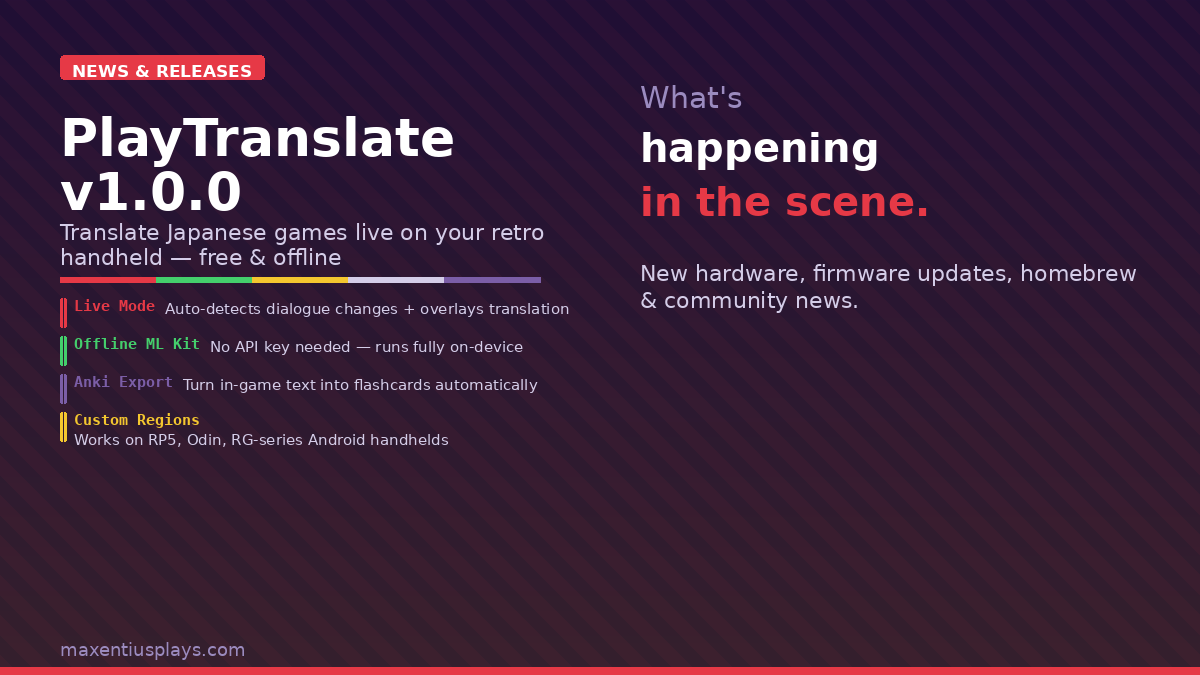
If you’ve ever wanted to play a Japanese-only Game Boy, DS, or retro console game but got stuck staring at untranslated dialogue, a new community-built Android app just made that a whole lot easier. PlayTranslate v1.0.0 launched this weekend and immediately shot to the top of r/SBCGaming with 967 upvotes — and for good reason. It’s free, open source, works offline, and now supports the single-screen handhelds most of us actually own.
📱 Watch the Short
Prefer a quick summary? Watch the 30-second version on YouTube.
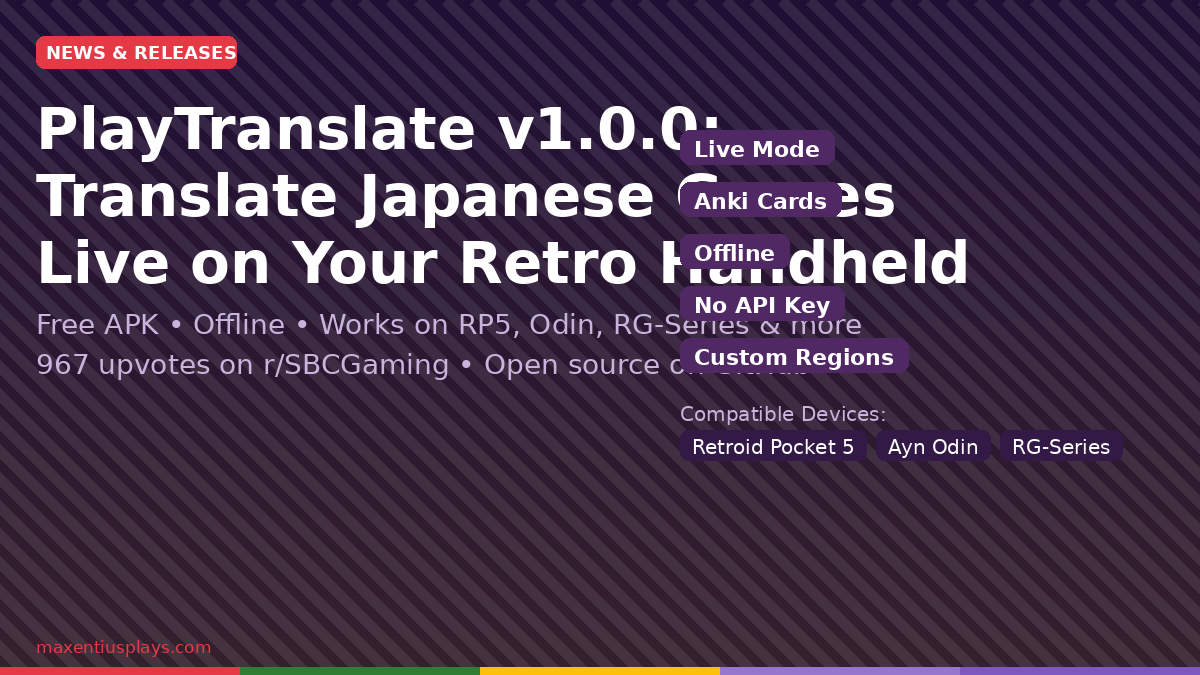
What Is PlayTranslate?
PlayTranslate is a free Android APK that overlays on-screen translations while you’re playing. It uses your device’s accessibility layer to capture a screenshot of a defined region — say, the dialogue box at the bottom of the screen — and then translates the text in real time. No rooting required. No API keys needed out of the box. No cloud subscription.
The original version was built specifically for the Ayn Thor (a dual-screen handheld). But developer dominostars heard the community’s calls and expanded v1.0.0 to work on any Android device with a single screen. That means:
- Retroid Pocket 5
- Retroid Pocket 4 Pro / RPG2 / RP6
- Ayn Odin 2 / Odin 3
- Anbernic RG-series Android models (RG556, RG406V, etc.)
- Any Android handheld with accessibility settings available
One important caveat noted by the developer: the Retroid Pocket Classic has a quirk in its accessibility settings that blocks the app from working. Everything else in the Retroid lineup should be fine.
What’s New in v1.0.0
This isn’t just a minor point release. v1.0.0 is a substantial step up from the early prototype. Here’s what’s new:
Live Mode
The headline feature. Enable Live Mode and the app will automatically detect dialogue changes and re-translate without any tapping. An overlay appears directly on your game screen with the translated text. There are shimmer placeholder animations while translations load, so you always know the app is working. This is the feature that turns PlayTranslate from a party trick into a genuinely useful tool for working through an untranslated JRPG.
Anki Flashcard Export
For language learners, this is the killer feature. PlayTranslate can generate Anki flashcards on the fly while you play, pre-populated with the target word, the sentence it appeared in, the translation, a definition, and a screenshot for context. It’s a remarkably efficient way to learn Japanese vocabulary in context. A sentence detail view gives you a full word-by-word breakdown in a floating popup without ever leaving your game.
Custom Capture Regions
Draw a box on screen to tell PlayTranslate exactly where the dialogue text appears. Preset regions for common layouts (bottom half, top third, etc.) are included. This prevents the app from accidentally trying to translate HUD elements or UI chrome — a smart design choice that makes it feel polished.
Offline Support
The app works offline using ML Kit as a fallback translator. Online mode uses the Lingva translation engine for higher quality results, and you can optionally add a free DeepL API key for premium accuracy. But if you’re playing on an airplane or without Wi-Fi, it still works — a big deal for a tool like this.
How Well Does It Work?
The short answer: surprisingly well for a v1.0.0. The community response on r/SBCGaming has been overwhelmingly positive, with users reporting clean results on Retroid Pocket 5 and Ayn Odin 3 devices playing DS and PSP titles.
Current limitations worth knowing:
- Japanese to English only for now — other language pairs are on the roadmap
- Requires Android accessibility permissions to be enabled (standard for overlay apps)
- The Retroid Pocket Classic cannot enable accessibility settings in the usual way, so it’s currently incompatible
- Live mode works best with static dialogue boxes; fast-scrolling text may miss some lines
These are all reasonable first-version constraints for a tool that’s free and built by an independent developer. The GitHub is active and the Discord server is already fielding bug reports and feature requests.
Why This Matters for Retro Handheld Collectors
There are hundreds of Game Boy Color, GBA, DS, and PSP titles that were never officially localized for Western markets — a huge catalogue of JRPGs, visual novels, and hidden gems that have historically required either deep Japanese literacy or community fan patches to enjoy. Fan translations are incredible work, but they take years and don’t cover everything.
PlayTranslate is a different approach: instead of a static translation patch, it’s a live reading assistant. You’re still experiencing the original game, but with a real-time aid sitting on top. For casual players who want to experience an untranslated gem without waiting for a fan patch, this opens a genuinely new door.
Combine it with an EverDrive flash cart loaded with your Japanese import ROMs and a Retroid Pocket 5, and you’ve got a setup that would have seemed like science fiction ten years ago.
How to Install
- Download the APK from the GitHub releases page
- Transfer it to your handheld via USB, microSD, or directly download in the handheld’s browser
- Enable “Install from unknown sources” in Android settings if not already done
- Install the APK and open PlayTranslate
- Follow the in-app prompt to enable accessibility permissions
- Launch your game, open the PlayTranslate floating icon, and start translating
The developer has a Discord server for feedback, bug reports, and updates.
This post contains affiliate links. If you purchase through these links, I may earn a small commission at no extra cost to you. I only recommend products I’ve personally researched and believe are worth your money.
Leave a Reply