
This post contains affiliate links. If you purchase through these links, I may earn a small commission at no extra cost to you. I only recommend products I’ve personally researched and believe are worth your money.
📱 Watch the Short
Prefer a quick summary? Watch the 30-second version on YouTube.
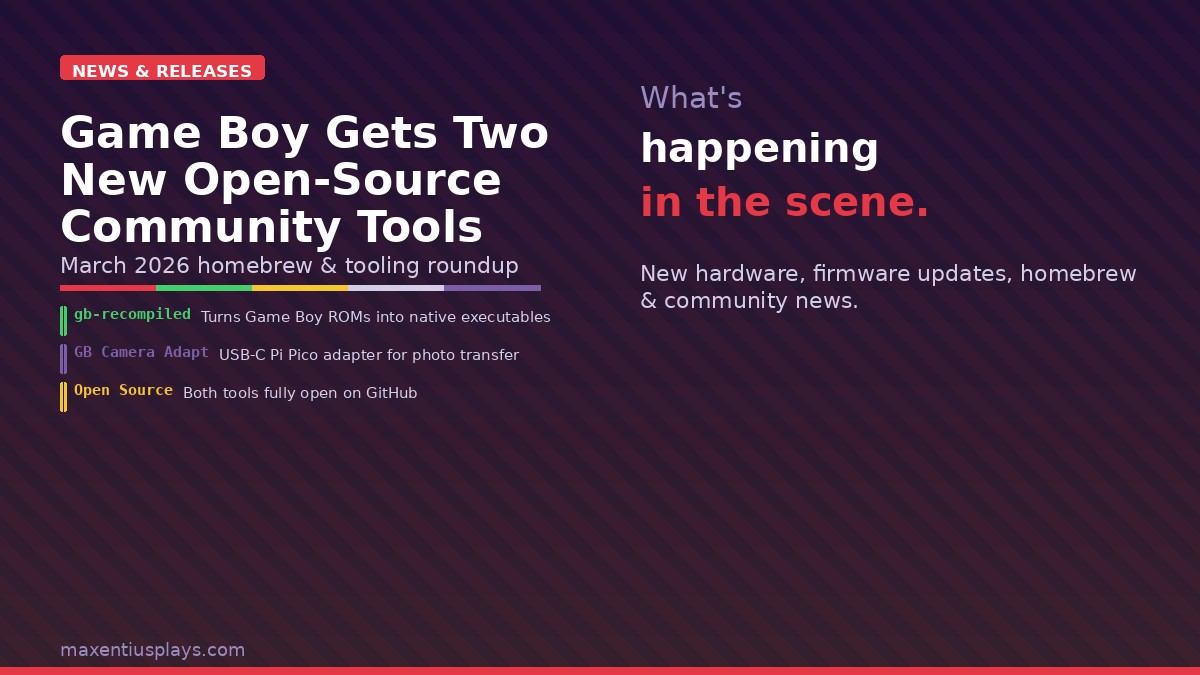
Two genuinely interesting projects landed on the Game Boy community’s radar this week, and neither of them came from a corporation with a marketing budget. One turns classic Game Boy ROMs into native C binaries you can compile and run like regular programs. The other finally solves the “how do I get my Game Boy Camera shots onto my phone without a heap of middleware” problem. Both are open source, both are DIY-friendly, and both are exactly the kind of thing that keeps this hobby alive and weird in the best way.
gb-recompiled: Game Boy Z80 Assembly Goes Native C
A developer going by arcanite24 has quietly built something that sounds straightforward but is technically ambitious: a static recompiler that takes original Game Boy ROM files and translates the Z80 assembly instructions into portable, modern C code. The project is called gb-recompiled, and the source is live on GitHub right now.
Here is what it actually does: you feed it a .gb ROM file, and the tool analyzes the control flow, decodes the instructions, tracks bank switches, and spits out a generated C project. You then compile that C project with CMake, SDL2, and a standard C compiler, and you end up with a native binary that runs the game directly on your system — no emulator process in the middle. The runtime library handles the hardware abstraction layer so the generated code has something to talk to.
The author claims that around 98% of the entire Game Boy catalog has been compiled by the tool — but that number refers to compilation, not compatibility. Some games boot cleanly. Some are partially playable. Some glitch spectacularly. It is very much a work in progress, and the author is actively asking for pull requests to improve things.
If you are wondering why anyone would bother when Game Boy emulation is already solved — mGBA runs at near-perfect accuracy on hardware that costs less than a cup of coffee — that is actually the point. This is not about performance. It is about the engineering challenge of bending an 8-bit platform into modern code, and about what the resulting analysis tools might feed back into better emulators, exploits, or recomp projects on more demanding systems down the line. Static recompilation is notoriously tricky because of dynamic jumps and weird control flow; doing it cleanly on a platform with as many ROM hacks and homebrew experiments as the Game Boy is ambitious work.
For developers in the GBC homebrew scene specifically, this kind of tooling is worth watching. The control-flow analysis and bank-switching logic that makes gb-recompiled work are the same low-level mechanics that trip up anyone who has tried to port or reverse a GB/GBC title. Even if gb-recompiled never becomes a one-click “turn Link’s Awakening into an EXE” button, the work here is a useful public reference.
Game Boy Camera Adapter: USB-C Photo Transfer via Raspberry Pi Pico
The second project is more immediately practical. Ukrainian developer Anton Artemov has built a Game Boy Camera Adapter that lets you plug your GB Camera cartridge into your phone via USB-C and transfer photos directly as PNGs — no thermal printer, no GB Operator cart reader, no PC in the middle.
The hardware is minimal: a Raspberry Pi Pico, half of a Game Boy Link Cable, and a four-channel 5V-to-3.3V level shifter. The Pico runs firmware based on the pico-gb-printer project and presents itself to the Game Boy as a printer. When you “print” a photo on the Game Boy Camera, the adapter captures the data, converts it to PNG, and transfers it to your phone over USB using a companion script. The Game Boy side sees a normal print operation; your phone sees a USB Ethernet device dropping image files.
This is the cleanest solution to a problem that has existed since 1998. Previous options included:
- Wi-Fi printer mods — require a modified cartridge or external hardware and a local network setup
- The BitBoy — a dedicated device, no longer in production
- GB Operator + PC — works great but requires a desktop/laptop in the chain
- ROM dumping + emulator screenshot — technically possible but several steps removed from “just take a photo and share it”
Artemov’s adapter skips all of that. The BOM is cheap, the firmware is open source, and if you are comfortable with basic soldering and a Pi Pico you can build one in an afternoon. There is hope the developer will sell prebuilt units or DIY kits eventually, but for now it is a GitHub project with a build guide.
For the Game Boy Camera community — a genuinely passionate corner of the retro scene, full of people shooting lo-fi portraits and LEGO tableaux on hardware from the late 90s — this is a meaningful quality-of-life upgrade. The camera shoots 128×112 pixel images in four shades of grey. Getting those images from cartridge to phone has always been more complicated than it should be. Now it does not have to be.
What These Projects Have in Common
Both of these tools share the same DNA: one developer with a specific itch, a Raspberry Pi or a modern C compiler, and enough patience to understand how the original hardware actually worked. Neither has a Kickstarter. Neither has a Discord server with 50,000 members hyping it up. They are just good work, quietly posted to GitHub, picked up by the community because they solve real problems.
That is what keeps the Game Boy ecosystem interesting in 2026. The hardware is 35+ years old, fully documented, cheap to buy, and understood deeply enough by a dedicated community that people are still finding new things to do with it. A static recompiler. A USB-C photo adapter. What comes next is anyone’s guess, but the pace of community innovation around this little grey rectangle shows no sign of slowing down.
If you try either of these, drop a comment below — would love to hear what games or cameras you are testing with.
Leave a Reply