
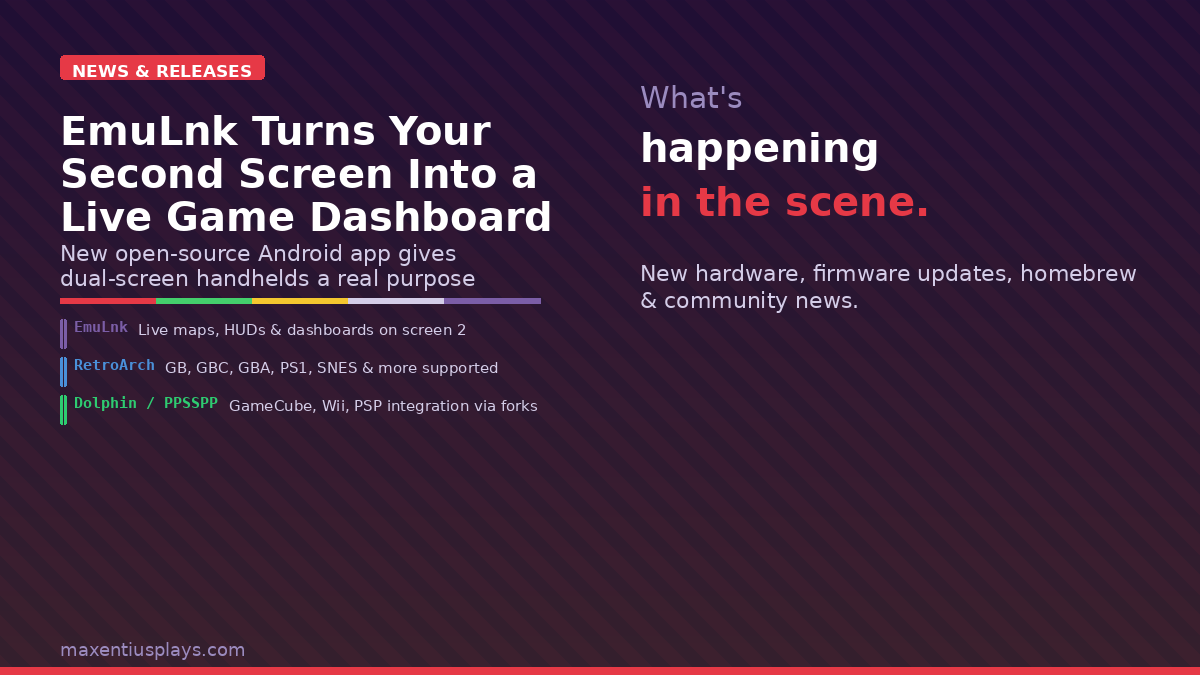
If you’ve been watching the wave of dual-screen handhelds roll in over the past couple of years — the AYN Thor, AYANEO Pocket DS, Anbernic RG DS — you’ve probably asked the same question the rest of us have: what’s actually going to run on that second screen? Launchers have tried. Frontend devs have tinkered. Most answers have been underwhelming. EmuLnk might be the first one that genuinely delivers.
📱 Watch the Short
Prefer a quick summary? Watch the 30-second version on YouTube.
EmuLnk is a new open-source Android companion app that hooks into popular emulators over UDP, reads live game memory in real time, and renders it as a themed HTML/CSS/JS dashboard on a second display — or as a floating overlay widget on your primary screen if you’re running a single-display device. Think Nintendo DS: useful information on screen two, game on screen one, always in sync.
How It Works
The architecture is clever. EmuLnk doesn’t patch ROMs or modify save states — it runs alongside your emulator, sends a UDP handshake to identify the active game, and then reads memory addresses at a configurable polling rate (default 5 Hz). That live data feeds into a WebView running a theme file: HTML, CSS, and JavaScript that’s fully customizable per game.
The result is things like a Wind Waker ocean chart you can actually tap to fast-travel, a Pokémon Emerald party HUD showing HP and status without pausing, or an inventory layout for your favourite RPG always visible alongside the action. Themes can also write back to game memory, trigger haptic feedback, and play sounds — so the second screen isn’t just informational, it can be interactive.
Emulator Support
EmuLnk uses a fork-per-emulator model. Each supported emulator has a companion fork that adds the lightweight binary UDP protocol EmuLnk needs. The current lineup:
- RetroArch-Lnk — covers SNES, Genesis, NES, GB, GBC, GBA, PS1, and N64 cores including mGBA and SwanStation
- Dolphin-Lnk — GameCube and Wii
- PPSSPP-Lnk — PSP
- melonDS-Lnk — NDS and DSi
- Azahar-Lnk — 3DS
For regular Game Boy and Game Boy Color fans, the RetroArch fork with mGBA is the one to grab. The GBA support is there too, which means you can have a dedicated stats overlay running while playing through your flash cart collection on an Anbernic or Miyoo device.
The Dual-Screen Angle
The pitch really sings on dedicated dual-screen hardware. Devices like the AYN Thor and AYANEO Pocket DS have been asking for software that makes that extra panel feel essential rather than gimmicky, and EmuLnk is explicitly designed for them. You install it on your primary Android OS, pair it with one of the emulator forks, and the second screen runs the EmuLnk theme dashboard as a dedicated full-screen WebView.
There’s also a mode for setups like the Anbernic RG DS where you want floating overlay widgets rather than a full dedicated panel, so single-screen or clamshell devices aren’t left out. And the developer has mentioned experimental couch setups — running a console emulator docked to a TV while using an Android handheld as the controller/second screen — though that’s more DIY territory for now.
The Theme System
Themes are self-contained folders: HTML, CSS, JavaScript, and a theme.json manifest. They receive live game data via a JavaScript bridge that fires whenever memory values update. If you’re comfortable with basic web development, writing a custom theme for your favourite game is genuinely within reach — the API documentation is on the EmuLnk repo wiki.
The community themes repo (emulnk-repo) is still sparse — Wind Waker being the flagship demo — but this is the kind of project where the community usually moves fast once it gets traction. Memory profiles for additional games are straightforward to write once you know the memory addresses, and tools like Cheat Engine or RetroArch’s cheat search make finding those relatively painless for popular titles.
Current State and Caveats
This is early-days open-source software, and the developer is the first to say so. The UI is rough. The theme library is thin. You’re installing APK forks of your emulators rather than official builds, which is a trust and update-management consideration. And memory profiles need to be written per game — out of the box, you’re working from whatever the community has already contributed.
That said, the architecture is sound, the supported emulator list is already impressively wide for a new project, and the open-source nature means it has a real chance of growing into something substantial. If you’ve been waiting for the dual-screen handheld space to justify itself with genuine software, EmuLnk is the most interesting answer yet.
How to Get It
EmuLnk is free and available on GitHub. You can grab the APK from the Releases page, or use Obtainium to track the full suite (app plus all emulator forks) with automatic updates. The repo includes an obtainium.json file that bundles everything together in one import.
Affiliate disclosure: Maxentius Plays participates in affiliate programs and may earn a commission on qualifying purchases at no extra cost to you.
Leave a Reply