
This post contains affiliate links. If you purchase through these links, I may earn a small commission at no extra cost to you. I only recommend products I’ve personally researched and believe are worth your money.
📱 Watch the Short
Prefer a quick summary? Watch the 30-second version on YouTube.
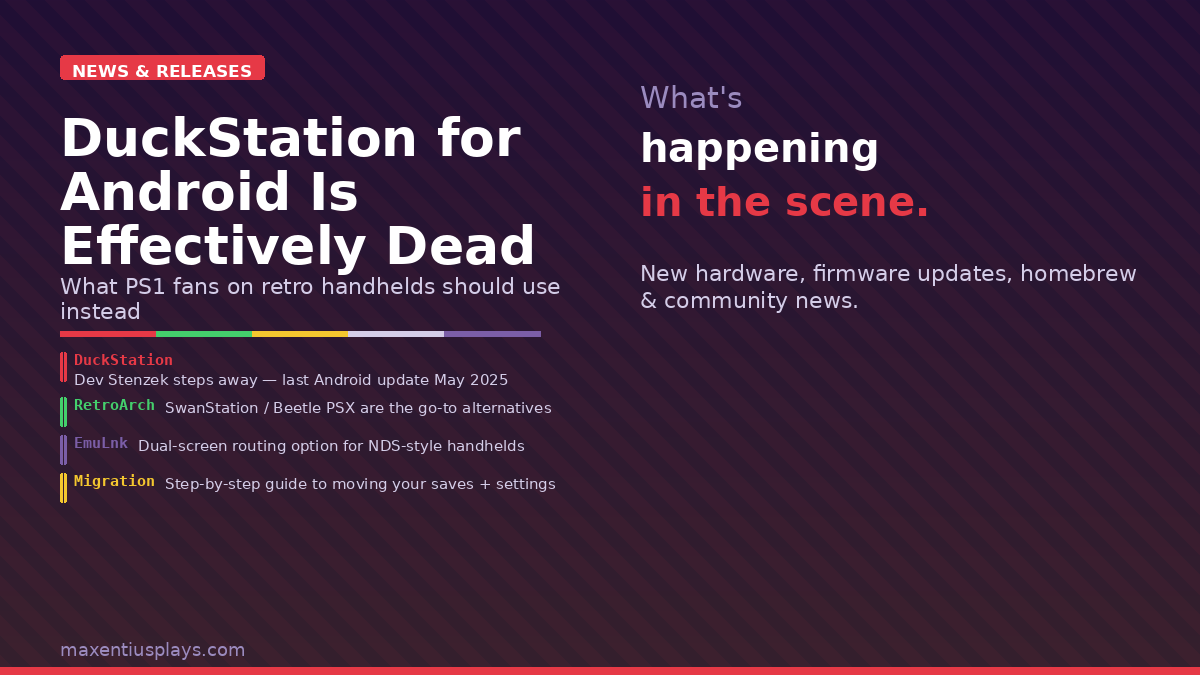
If you’ve been running PlayStation 1 games on an Android-based retro handheld — a Retroid Pocket 5, an Anbernic RG series device, or an AYN Odin — there’s a good chance DuckStation has been your go-to emulator. Fast, polished, easy to configure. For the past few years it’s genuinely been the best standalone PS1 option on the platform. That era may now be over.
Developer Stenzek has made it increasingly clear that Android is no longer on his radar. The last proper Android update shipped on May 1st, 2025 — nearly a year ago. When recently asked about future Android development, he replied: “No, because I don’t have the time and Android users told me they don’t want updates,” adding that he doesn’t have the energy to work on something he’ll “mostly get negativity for.” GitHub build notes have carried a blunt disclaimer for months: “no support is provided for the Android app.”
What This Means for Retro Handheld Users
The app isn’t dead-dead. It’s still on the Play Store, it still launches, and it still plays PS1 games very well. But it’s frozen in time. Every Android OS update and GPU driver revision introduces new variables that nobody is testing against. Anyone who lived through the AetherSX2 abandonment — another beloved Android emulator that burned out its dev and went dark — knows exactly where this road leads.
In the short term the risk is low. In the long term, there’s a real chance that a future OS update or driver change breaks something important and nobody fixes it. That’s the quiet danger of depending entirely on a single volunteer developer for critical infrastructure in your gaming setup.
What to Use Instead
The good news: you have solid alternatives, even if none of them hit the exact same sweet spot of speed and polish that DuckStation offered as a standalone app.
RetroArch with SwanStation or Beetle PSX
RetroArch is the obvious fallback and for many users it should have been the primary choice from the start. The SwanStation core is a direct fork of DuckStation and shares much of its codebase — compatibility and performance are nearly identical. Beetle PSX HW is the other heavy hitter, particularly strong for enhanced rendering with hardware renderer options that make PS1 games look significantly cleaner at higher resolutions.
Yes, RetroArch has a steeper learning curve. Yes, first-time setup takes longer. But it’s actively maintained, runs on every platform your device might upgrade to, and has a massive community. Once you’re past the initial config, it’s rock solid.

What You Should Do Right Now
- Archive a known-good APK. Before your device upgrades Android or changes GPU drivers, grab the current DuckStation APK from APKMirror or the Play Store and save it somewhere. That version works today; you may want it in six months.
- Export your DuckStation save states and memory cards. They’re in your internal storage under
DuckStation/memcards/andDuckStation/savestates/. Back them up now. SwanStation and Beetle PSX can import standard .mcr memory card files. - Start testing RetroArch in parallel. Don’t do a hard cutover the night before a gaming session. Install it alongside DuckStation, configure SwanStation, and run through a few titles you care about to confirm compatibility.
Also Worth Watching: EmuLnk for Dual-Screen Handhelds
While we’re on the subject of the Android emulation ecosystem — a new open-source tool called EmuLnk has appeared on GitHub and it’s genuinely interesting for anyone running a dual-screen device like the AYN Thor, AYANEO Pocket DS, or Anbernic RG DS.
EmuLnk hooks into your emulators over UDP, reads live game memory, and renders HTML/CSS/JS-powered themes on your second screen — think DS-style dashboards with live maps, party status, inventory info, and HUD elements that you’d normally have to pause the game to access. It currently supports Dolphin, PPSSPP, and RetroArch cores including mGBA and SwanStation. The Wind Waker sea chart demo is the flagship showcase: tap the chart on your second screen to navigate without interrupting gameplay.
It’s still early hobbyware with a rough UI, but it’s the first genuinely thoughtful answer to the question of what dual-screen handhelds are actually for beyond just mirroring the main display. If you’ve been eyeing one of those devices and wondering whether the second screen would ever get useful software, EmuLnk is the most promising sign yet.
The Bigger Picture
DuckStation’s situation is another reminder of how precarious the Android emulation landscape is. PPSSPP, RetroArch, and a handful of others are backed by teams or communities large enough to sustain development through burnout cycles. Everything else — including some of the most popular standalone apps — depends on a single person staying motivated and keeping up with a moving platform. When they stop, so does the app.
For retro handheld collectors, the safest long-term strategy is to root your setup in actively maintained projects even when the standalone alternatives feel more convenient. RetroArch isn’t as slick out of the box, but it’ll still be running five years from now. That’s worth something.
Sources: Time Extension | Retro Handhelds | EmuLnk GitHub
Leave a Reply